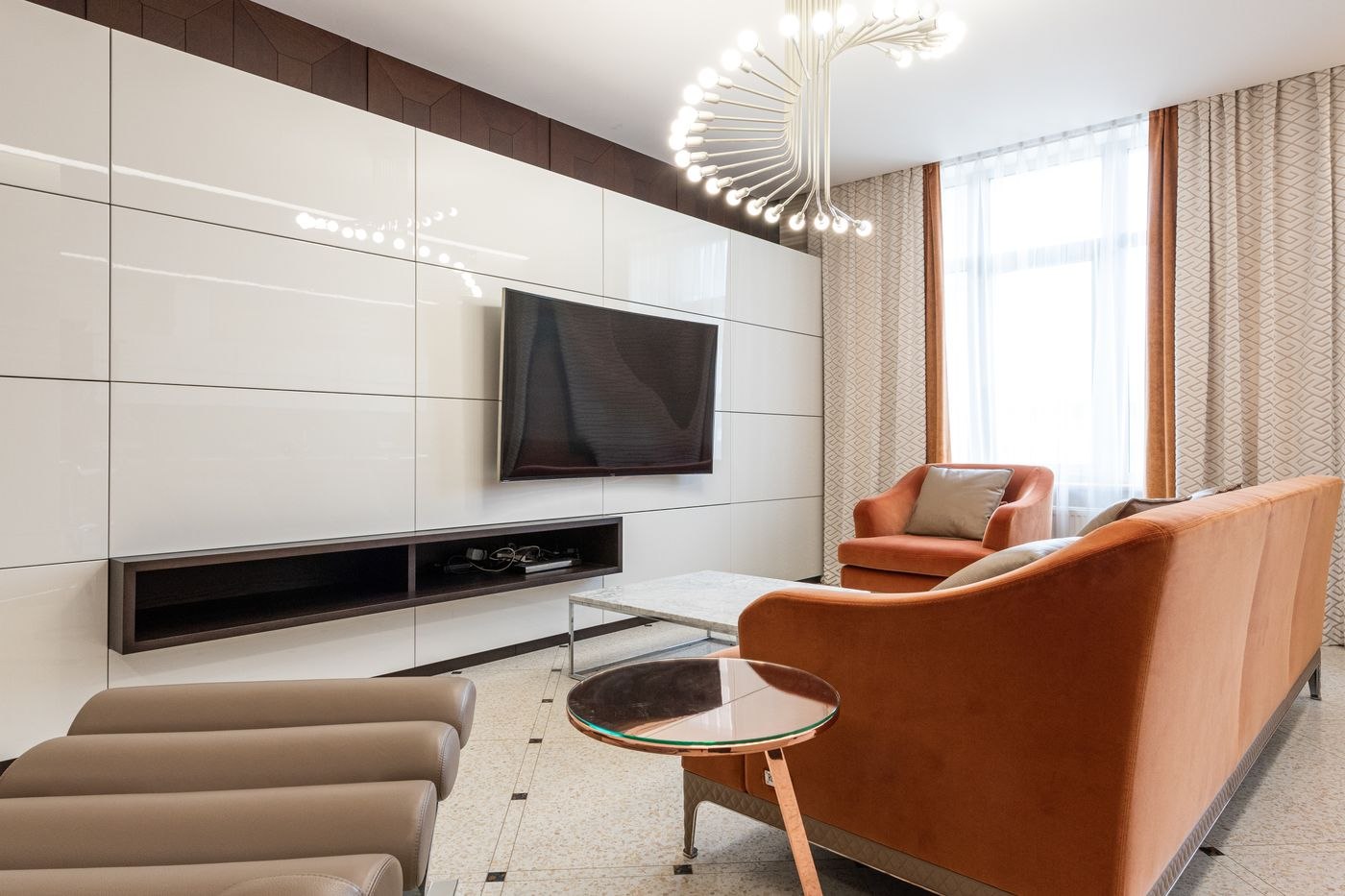
The area around a television attracts remotes, controllers, chargers, mail, and objects that have no other home. Clearing it is less about hiding every device than giving the necessary equipment enough space and assigning the small items somewhere they can be found.
Remove what does not serve the area
Take loose objects off the stand and sort them by use. Keep the controls and accessories that belong to equipment currently connected. Return unrelated paperwork and household items to their own locations. Set aside unidentified cables for checking rather than reconnecting them simply because they were behind the screen.
Choose a small container for the controls used daily. It should be easy to reach from the normal seats and easy to identify in low light. If several controllers look alike, a simple label may work better than a larger organizer.
Give devices breathing room
Follow each device’s ventilation instructions. An enclosed cabinet or a tightly filled shelf can hide visual clutter while creating a poor operating environment. Keep access to power connections and controls, and avoid piling soft furnishings over equipment.
Route cables alongside the furniture without pulling them tight. A label near each end makes later maintenance easier. Do not put electrical cords under a rug to make them disappear. If a cable is damaged or its purpose is unclear, resolve that issue before returning the area to use.
Check stability while the area is clear
Use furniture intended to support the television and follow the manufacturer’s mounting or anchoring instructions. The Consumer Product Safety Commission recommends securing televisions and furniture to prevent tip-overs. Clearing the stand is a useful opportunity to check that the setup has not become loose or changed since installation.
Keep tempting items such as toys and remotes off high surfaces where a child might climb to reach them. A tidy appearance does not establish that a stand or screen is secure. Get appropriate help if mounting or anchoring requirements are uncertain.
Choose a few deliberate surfaces
Leave some open space around the screen instead of filling every shelf. A small number of objects can remain if they do not block ventilation, controls, or the picture. At the end of an evening, return the remotes and put away temporary items. This short reset is easier to maintain than periodically dismantling a large decorative arrangement to find a missing cable.